Knows what it’s fitting
Silhou reads your product type and tags. Eyewear lines up with the eyes, earrings hang as a pair at real scale, and garments replace what they should and drape naturally.
AI virtual try-on for Shopify
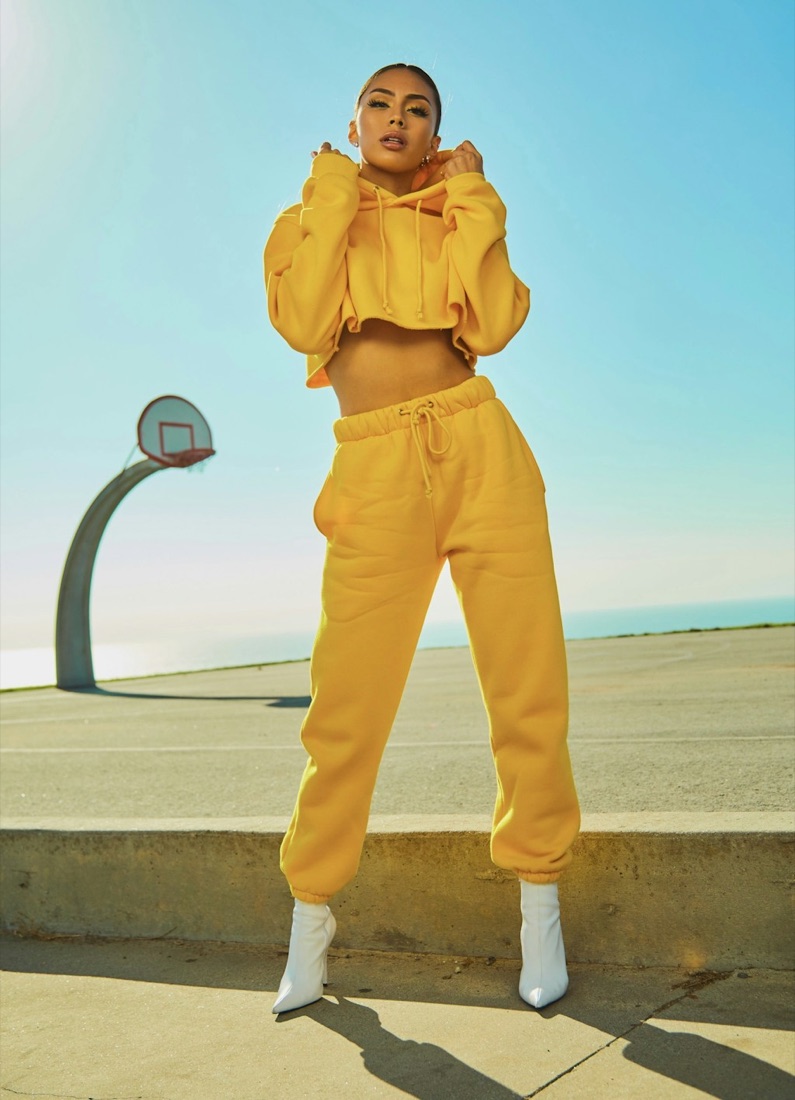
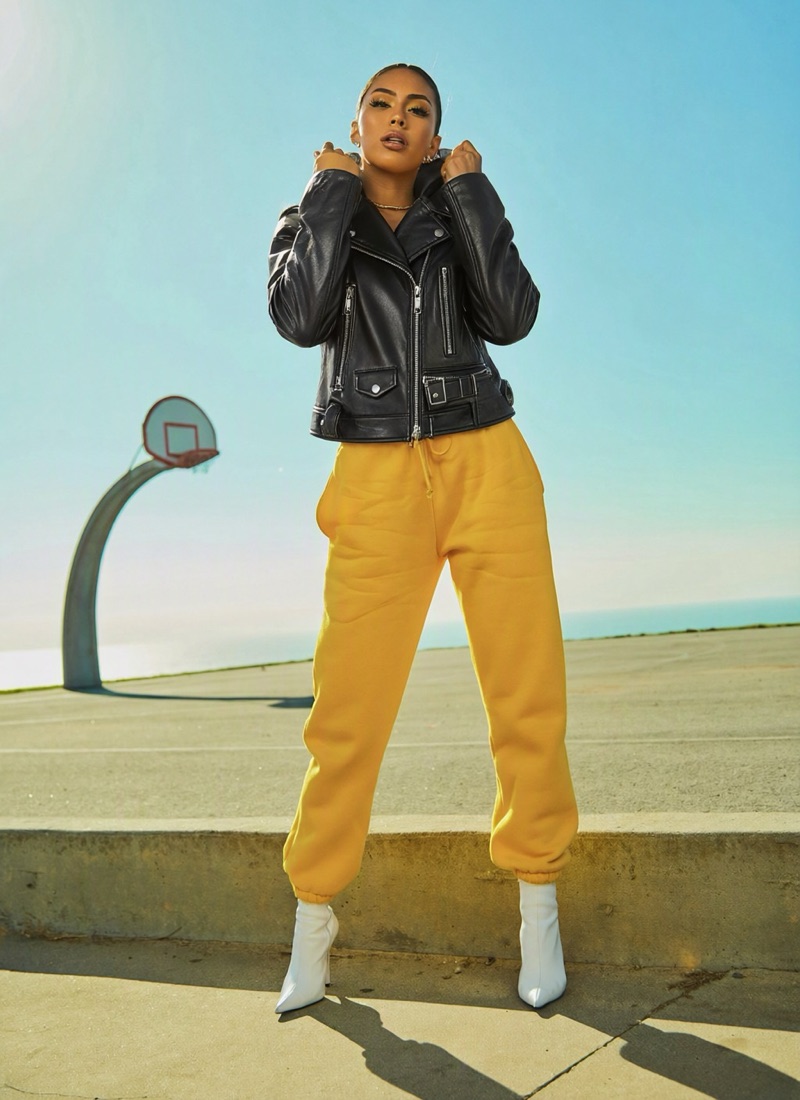
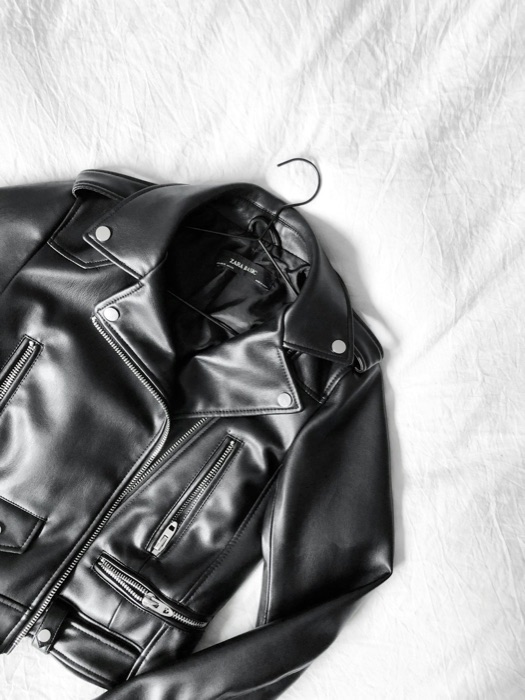
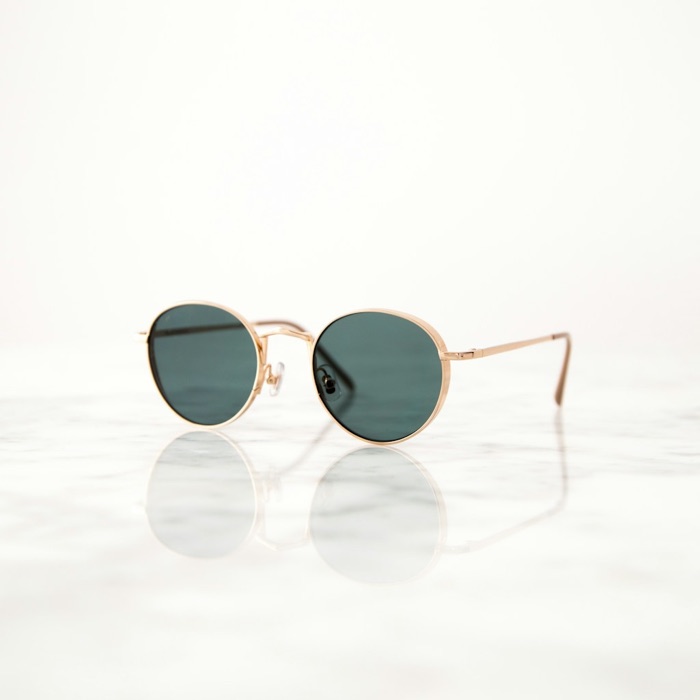
Silhou puts your product on your shopper from one photo. Sunglasses sit on the nose, hoops hang from the earlobes and jackets drape like the real thing, right on your product page.
 Moto Leather Jacket
Live results
Real outputs from Silhou’s pipeline on Qwen-Image-2.1. No masks, no 3D models, no special product photography.


How it works
Install Silhou and drop the “Try it on” block onto your product template. No theme code, and the button uses your theme’s colors.
They upload or take a photo, guided for the product: a straight-on face shot for eyewear and jewelry, a full-body shot for clothing.
In about 20 seconds they see themselves wearing it, with Add to cart right there. Looks they choose to share become your lookbooks.
For merchants
Silhou reads your product type and tags. Eyewear lines up with the eyes, earrings hang as a pair at real scale, and garments replace what they should and drape naturally.
Shoppers can opt in to share their look. Collect those looks into shoppable lookbooks, published inside your theme with “Shop the look” links.
Shoppers can keep their photo in a Silhou profile and reuse it on any store with Silhou, so returning shoppers try things on with one tap.
Photos that aren’t shared are deleted automatically after your retention window. Shoppers can delete their profile at any time.
Set daily and per-shopper limits, add style guidance for the model and turn try-on off anytime, all from your Shopify admin.
See try-ons per day, success rate, generation time and your most tried-on products at a glance.
Silhou profile
Upload once, then tap “Use my saved photos” on any Silhou store and confirm with a 6-digit code. Stores only see the looks you create with them, never your saved photo.
FAQ
Anything worn: sunglasses and glasses, earrings and necklaces, hats, jackets, tops, dresses and bags. Your existing product photos work. Flat lays and on-model shots are both fine.
No. Silhou is a Shopify theme app block. Add it in the theme editor, pick your colors and save.
Usually around 20 seconds. Shoppers see a progress state and the result appears in the same window, next to Add to cart.
Photos are used only to create the try-on. Unless a shopper chooses to share a look or save their photo, it’s deleted automatically after your retention window (7 days by default). See our privacy policy.
It’s an AI-generated preview, and we label it that way. Fit, color and scale are usually very close, but shoppers are reminded that the real item may differ.
Silhou is launching on the Shopify App Store. Join early access and we’ll set you up first.